Working with canvases
Editing a canvas
Change, add, generate and remove items; rename the idea; edit its description.
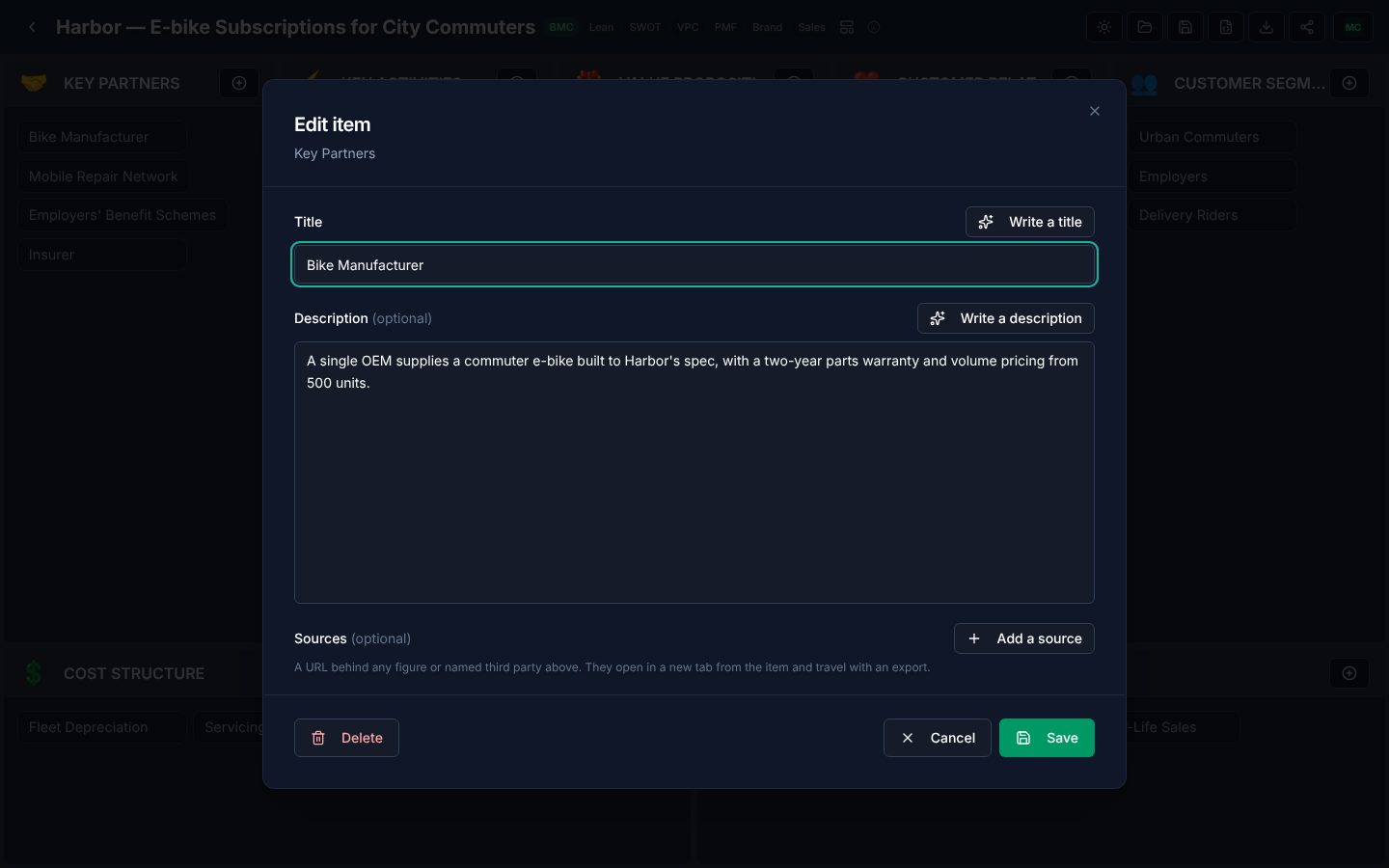
Edit an item
- 1Click the item.
- 2Change its title or description. Write a title and Write a description have the AI write a new one for you, using the rest of the canvas and the idea's other canvases as context.
- 3Press Save. Your change is kept immediately.
Add an item
Use the + at the top of a block. Write the item yourself, or use Write the item to have the AI write a whole new entry that does not repeat anything already on the canvas, then press Add item.
Remove an item
Open the item and choose Delete. A block that the AI left empty holds a marked stand-in; delete it or replace it with a real item.
Rename the idea
Click the title. A new name applies to every canvas of the idea, because they are all the same business.
Sources
Where the AI attaches sources to an item's figures, the quote icon beside the pills shows how many and lists them. Models are asked to cite only pages they are confident exist, but check a source before you rely on it.